To replace an image with another image in your image bank, simply drag the new image into the center of the image frame.
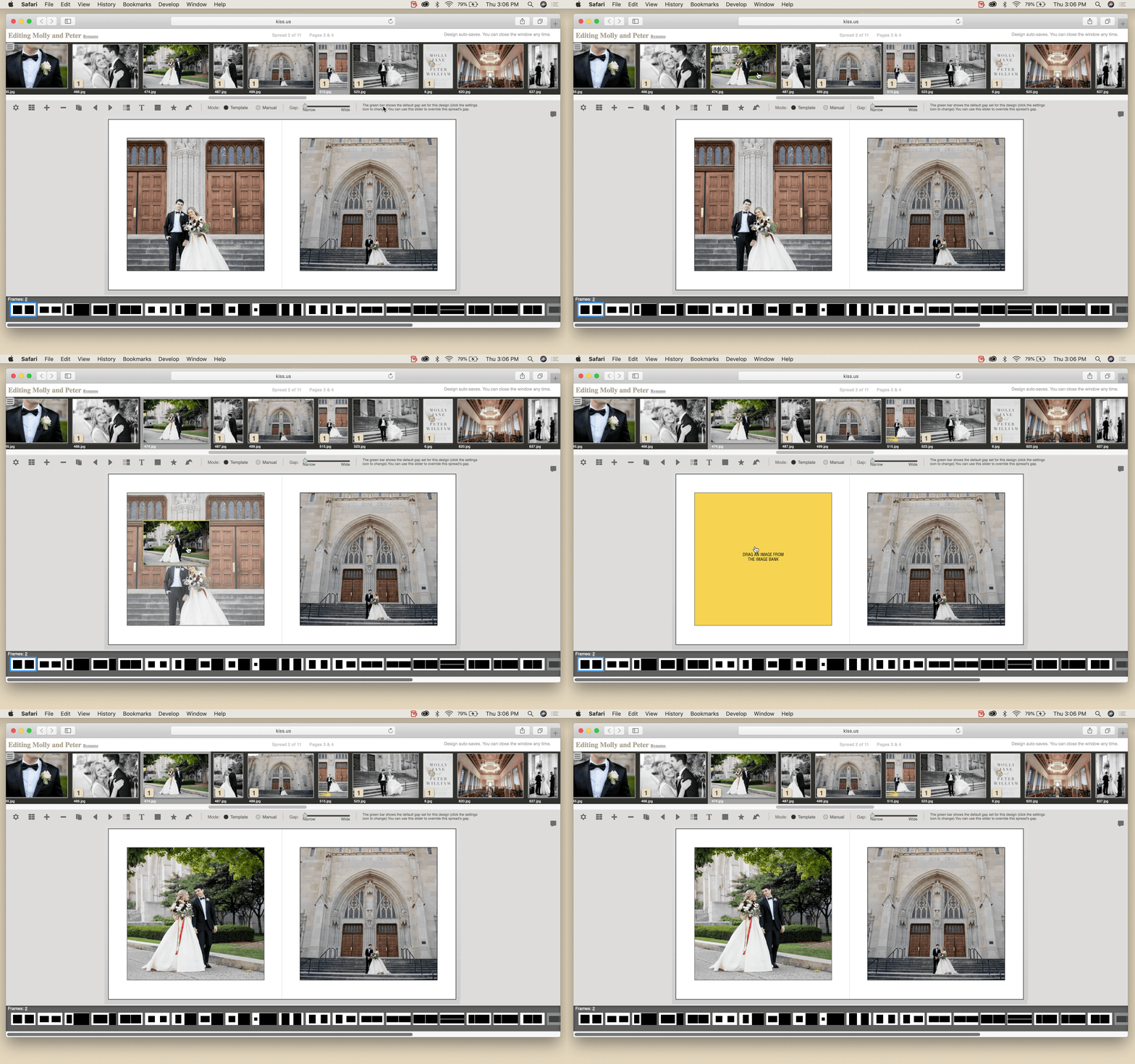

To replace an image with another image in your image bank, simply drag the new image into the center of the image frame.